

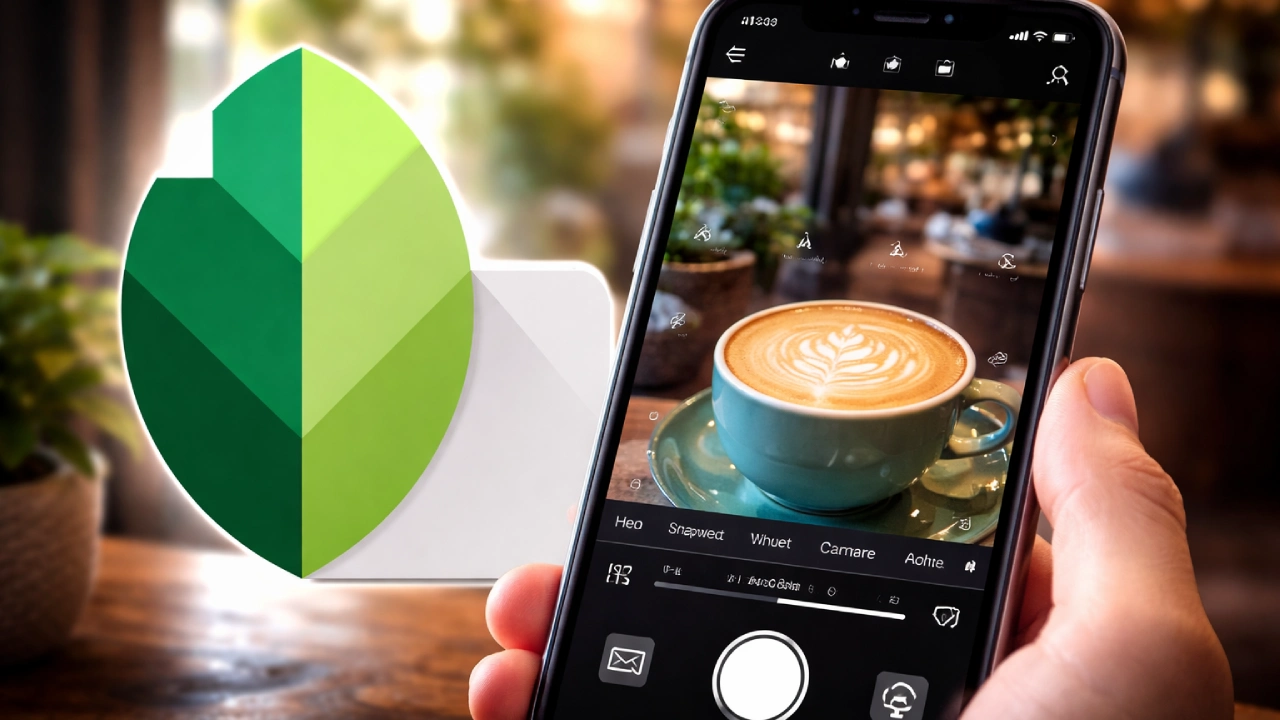
Google has quietly rolled out a new Snapseed camera update on iPhone. Users now have many ways to use Snapseed to capture and edit images. Users are no longer limited to editing photos after they have taken them; they can also take photos in Snapseed, control camera settings, and adjust ISO, shutter speed, focus, and white balance directly within the app.
In addition, users can even add a film look to any image at the time of capture using Snapseed’s camera features. Right now, this feature is only for iPhone users. There is no clear update about Android yet.
You Can Now Shoot Inside Snapseed
For years, Snapseed was mainly known as a photo editing app. People used to click photos with their phone cameras and then open Snapseed to edit them.
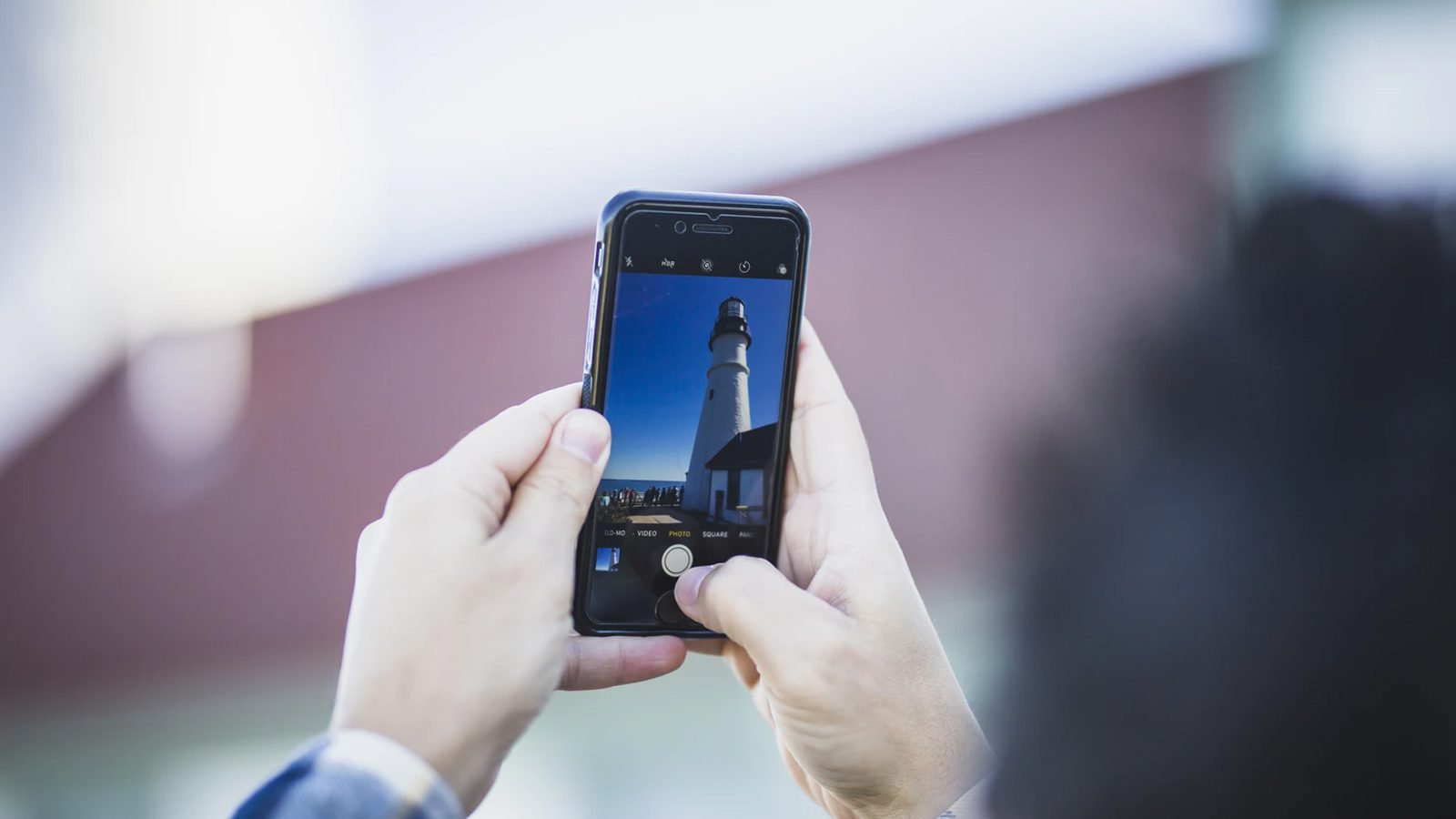
Now that step is gone. The inclusion of a built-in camera in the Snapseed iOS app allows users to take photos immediately after launching Snapseed.
The camera gives manual control options. You can increase or decrease ISO if the photo looks too dark or too bright. You can adjust the shutter speed if there is movement. You can set the focus yourself instead of relying only on auto mode. You can also adjust white balance to fix color tones.
These controls are helpful for people who like to manage how their photo looks before editing.
Filters Before You Click
Another new feature is live filters. With the latest update to this app, users no longer need to use a regular camera photo and add filters. You can now see how your photo will look (for example, black-and-white, warm tone, etc.) before snapping the photo by selecting one of the film styles from the menu on your iPhone, listed below.
Reports from The Verge say this gives a feel similar to old film cameras, where you pick the film type before shooting. For casual users, this just makes things easier. For serious users, it saves time.
Snapseed Camera Update: What’s New on iPhone?
Snapseed has been around for many years. At one point, it was one of the top photo editing apps on both Android and iPhone. But in recent years, the app hasn’t received many major updates. Some users even thought Google was no longer focusing on it.

This latest camera feature shows just how serious Google continues to be about improving Snapseed, bringing both shooting and editing into the same app, so there is no longer a need to keep switching between applications.
Android Users Are Confused
One thing that surprised many people is that this update is only available on iPhone. According to TechRadar, many Android users were confused because Snapseed has always supported both platforms.
There is no official statement about when Android will get this camera feature. So for now, only iPhone users can use it. The update is already live on the App Store.
Simple Design, No Extra Drama
The camera interface inside Snapseed is clean. It is not filled with too many buttons. Controls are easy to find and use. After photographing with this new camera feature, Snapseed will guide you to tools for tuning, cropping, and adding various effects, along with many other editing tools.

Snapseed remains available as a free, ad-free application. That is one reason many users still like it. The mobile camera app market already has many strong options. But Snapseed has trust. It is simple, and it works.
The new updates to your Apple devices will benefit all types of photographers, but only volunteers who assist app developers. Android users wish they had similar photo-editing functionality.