

Highlights
- Launcher apps enable deep Android customisation, improving navigation, productivity, and everyday usability.
- Different launcher apps cater to power users, minimalists, professionals, and users seeking visual balance.
- Choosing the right launcher apps reduces friction and helps Android phones feel faster and more personal.
One of Android’s greatest strengths has always been choice. Unlike tightly controlled mobile ecosystems, Android allows users to reshape their devices to reflect how they work, think, and interact with technology. At the heart of this freedom lies the launcher app: the layer that controls your home screen, app drawer, icons, gestures, and overall flow. Choosing the right launcher can transform an ordinary phone into a highly personal, efficient tool.
This feature article serves as a practical and humane guide to the best launcher apps for Android customisation. Rather than focusing only on extreme visual changes, it examines how different launchers cater to distinct user needs: productivity, minimalism, aesthetics, accessibility, and power-user control.
Why a Launcher Matters More than You Think
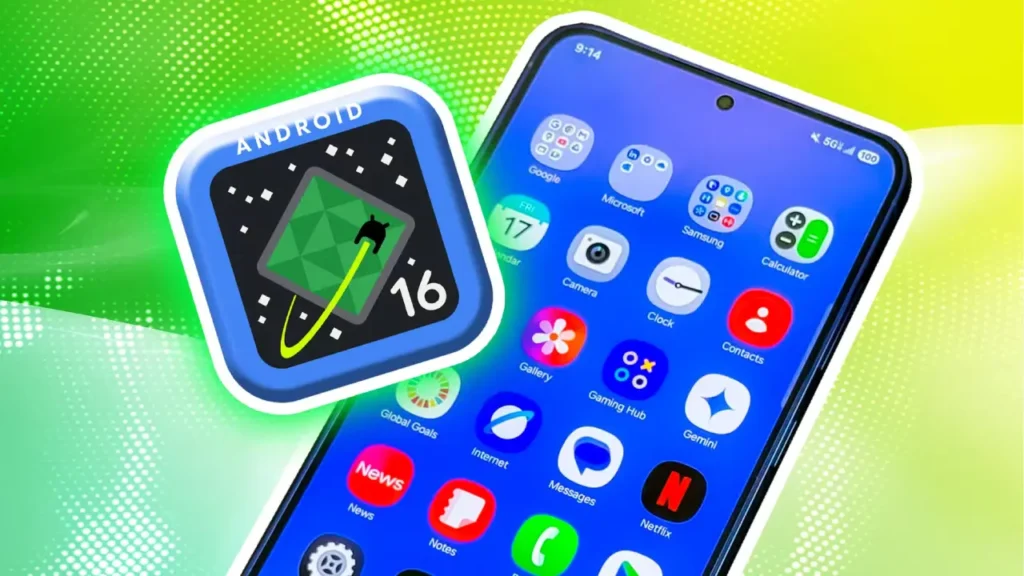
A launcher is not merely a cosmetic overlay. It dictates how quickly you access apps, how notifications appear, how information is prioritised, and how intuitive your phone feels under pressure. For many users, frustration with a phone stems not from hardware limitations but from inefficient navigation.
A good launcher reduces friction. It learns your habits, adapts to your usage patterns, and gives you control without overwhelming you. The best launchers strike a balance between customisation depth and everyday usability.
Nova Launcher
For years, Nova Launcher has been considered the gold standard for Android customisation and for good reason. It offers granular control over nearly every aspect of the home screen: grid size, icon dimensions, gestures, animations, folders, and app drawer behaviour.
What sets Nova apart is its scalability. Beginners can apply icon packs and adjust layouts with minimal effort, while advanced users can build highly complex setups using gestures, hidden folders, and automation tools. Importantly, Nova manages to offer this flexibility without sacrificing performance. Even on older devices, it remains smooth and responsive.
Nova is ideal for users who want maximum control and are willing to invest time refining their setup.
Niagara Launcher
At the opposite end of the spectrum lies Niagara Launcher. Designed around simplicity and focus, Niagara abandons traditional grids and app drawers in favour of a clean, vertically scrolling app list and a minimal home screen.
Niagara’s strength is intentional design. Notifications are integrated directly into app entries, reducing clutter while maintaining visibility. The launcher emphasises one-handed use and fast access, making it particularly appealing for large-screen phones. This launcher is best suited for users who feel overwhelmed by traditional home screens and want their phone to serve as a calm, distraction-reduced interface rather than a visual showcase.
Smart Launcher
Smart Launcher occupies a middle ground between power and simplicity. It automatically categorises apps into sections such as communication, productivity, entertainment, and utilities, reducing the mental effort required to find what you need.
The launcher also features a unique layout system that keeps icons reachable and centred, regardless of screen size. Customisation options are present but thoughtfully constrained, preventing users from accidentally creating cluttered or inefficient designs.
Smart Launcher works well for users who want meaningful improvements to usability without spending hours tweaking settings.
Lawnchair
For those who appreciate Google’s Pixel-style interface but want more control, Lawnchair offers a compelling solution. It closely mirrors the clean, understated look of stock Android while adding features typically missing from default launchers.
Users can adjust icon packs, grid sizes, and gestures while retaining the familiar feel of a Pixel device. Lawnchair also integrates well with system-wide theming and adaptive icons, making it an excellent choice for users who value consistency across their devices.
This launcher is ideal for users who want subtle customisation rather than dramatic visual changes.
Microsoft Launcher
Microsoft Launcher approaches customisation from a productivity standpoint rather than pure aesthetics. It integrates deeply with Microsoft services such as calendars, to-do lists, and cross-device syncing.
The launcher offers a clean interface with customizable feeds that prioritise schedules, reminders, and recent documents. While visual customisation is more limited compared to Nova or Smart Launcher, the focus on workflow efficiency is clear. Microsoft Launcher is particularly useful for professionals, students, and users already embedded in the Microsoft ecosystem.

Action Launcher
Action Launcher combines traditional Android design with unique visual enhancements. Features such as “Quicktheme” dynamically extract colours from wallpapers to theme icons and UI elements, creating a cohesive visual experience with minimal effort.
It also introduces innovative shortcuts like “Covers” and “Shutters,” allowing folders to double as app icons or widgets. These tools reduce clutter while maintaining fast access to frequently used apps.
Action Launcher appeals to users who want a visually striking setup that still prioritises speed and efficiency.
Things to Consider before Choosing a Launcher
Before committing to a launcher, it is important to reflect on how you actually use your phone. Ask yourself whether you value speed over aesthetics, minimalism over features, or automation over manual control.
Battery usage, gesture support, accessibility options, and compatibility with icon packs should also factor into your decision. Most leading launchers offer free versions, making it easy to experiment before settling on one that truly fits your habits.

The Human Side of Customisation
Customisation is not about showing off a unique home screen, but it is about reducing friction between intent and action. The best launcher is the one that quietly fades into the background, allowing you to accomplish tasks without conscious effort.
Android’s launcher ecosystem thrives because users are not all the same. Some want control, others want calm, and many want a balance of both. Thankfully, Android accommodates all of them.
Conclusion
The best launcher apps for Android customisation are not defined by how radically they can transform your phone, but by how well they align with your daily needs. Whether you prefer the deep control of Nova Launcher, the calm efficiency of Niagara, or the structured intelligence of Smart Launcher, the right choice can make your device feel faster, clearer, and more personal.
In an era where smartphones are central to work, communication, and leisure, choosing the right launcher is less about style and more about reclaiming control over how technology fits into your life.