


Highlights
- Google is rolling out a built-in call recording to Pixel 6 and newer devices running Android 14, offering both manual and auto recording options.
- Recordings stay on the device with customizable auto-delete settings, though availability depends heavily on regional laws.
- The rollout is gradual, with some users receiving the feature earlier than others, especially in regions where call recording is permitted.
Google has launched a new built-in call recording option for Pixel phones, specifically the Phone by Google app. This feature is available for Pixel 6 and later users on Android 14 and includes the ability to record calls, set auto-recording for certain numbers, and specify when the recordings will expire.
The feature is regional and subject to local laws in many countries. The rollout is gradual, so some users will get it later than others.
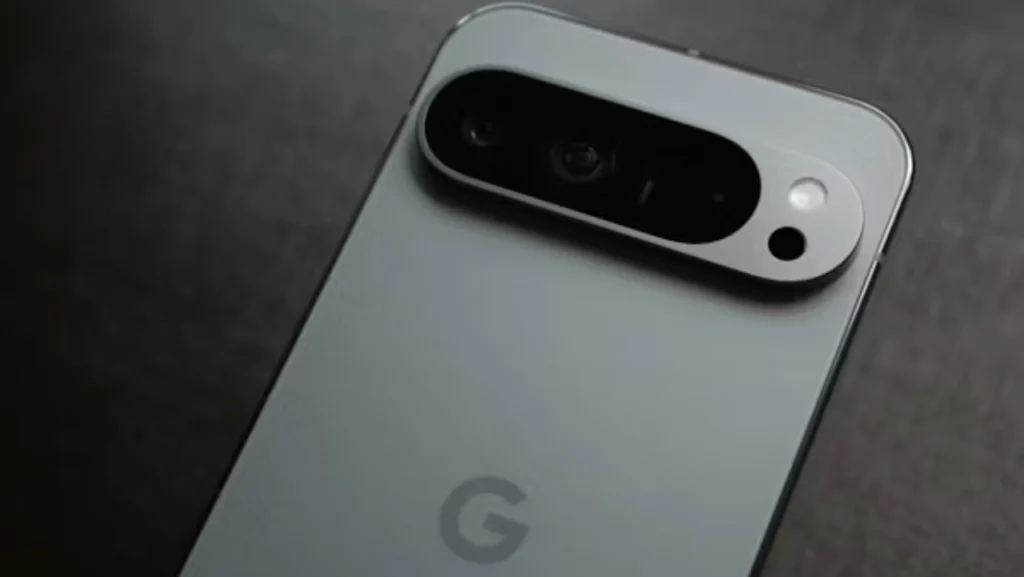
Call Recording Starts Rolling Out
Google has begun adding a simple call recording tool to Pixel phones. Many users noticed a new option inside Settings > Call Assist > Call Recording in the Phone app.
Once you turn it on, the phone may download a small audio file. After that, you will see a Record button during calls. When the recording starts, the phone shows a red dot on the screen and plays a short voice line to tell both people on the call that the conversation is being recorded.
This is the first proper rollout for most Pixel users.
What You Can Do With This Feature
Manual and Auto Recording
You can record calls by tapping the button or setting the phone to record automatically. Auto-recording can be set for:
- Unknown numbers
- Selected contacts
- All calls
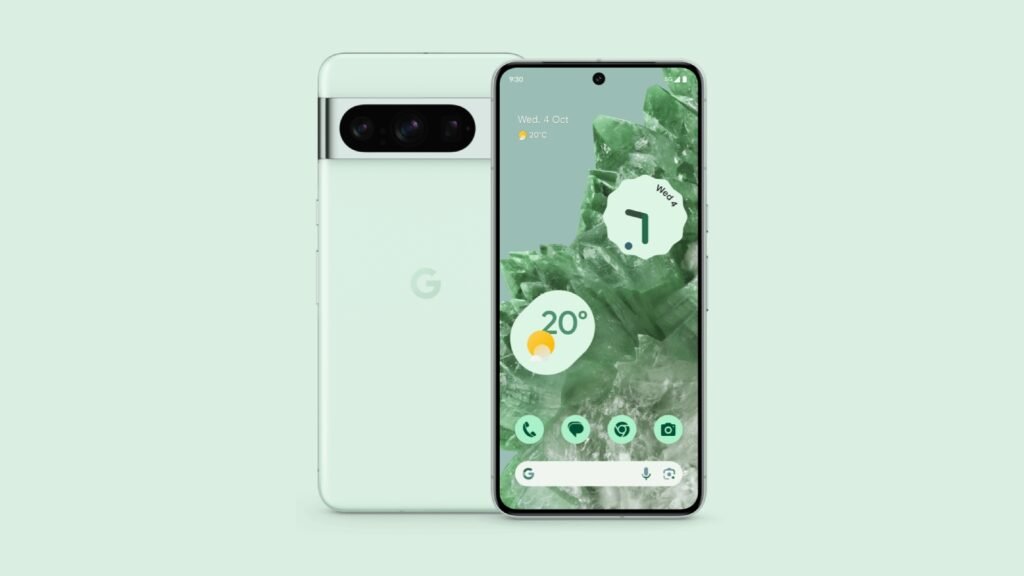
Storage and Auto-Delete
Recordings stay on your device. You can choose to delete them after:
- 7 days
- 14 days
- 30 days
- Or keep them forever
You can find the recordings in the Recents tab after the call ends.
Who Will Get the Feature
Supported Devices
The update is for:
- Pixel 6 and newer
- Phones running Android 14 or higher
Some non-Pixel Android phones using the Phone by Google app may get it too, but that depends on the model.

Region Limits
Your region matters a lot. Many countries block call recording because of local rules. In such places, the toggle may not appear even if your device is supported.
Because of this, some users already see the feature, and others do not.
Why This Update Matters
No Need for Third-Party Apps
Earlier, many Pixel users had to install outside apps, which often caused problems or didn’t work at all. A built-in option means a steadier and cleaner experience.
Clear Warning to Both Callers
The app plays a short line that says the call is being recorded. This avoids confusion and keeps everything open between both sides.
Full Control for the User
You decide which calls get recorded and how long those recordings stay on your phone.
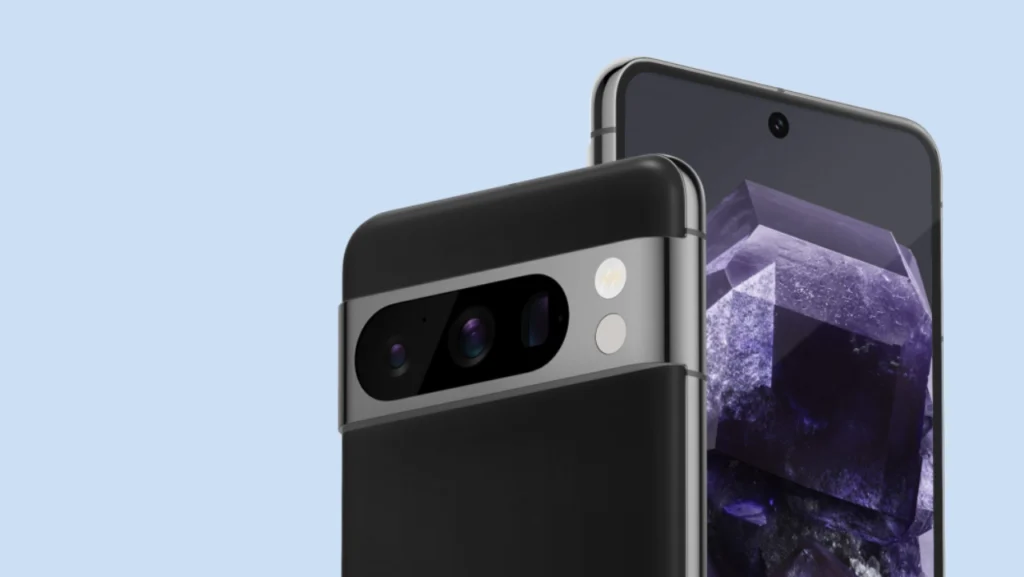
Things to Check Before Using It
Local Rules
Different countries have different laws. In some places, both people need to agree before recording. Google also reminds users to use this tool safely.
Update Your Phone App
Some users reported that the option appeared only after updating the Phone by Google app to the latest version.
Rollout May Be Slow
Even with the right phone and region, the update may take time to show, as rollouts do not reach everyone at once.

User Reports
People online have shared mixed updates. Some say the call recording option appeared right away on their Pixel 6 or Pixel 7. Others with the same phone still don’t see it. This shows that Google is sending the update in steps.
Users in regions where call recording is allowed are getting it faster.
Final Note
Finally, Google has released a simple and clean call recording tool for Pixel phones. If your device is included and the option appears in your settings, you are ready to go ahead with this headless call recording, and you will not have to change your normal behavior of installing an additional app.
Make sure you follow your local laws and regulations, and make sure you update your phone app, so the feature will appear seamlessly.