

Highlights
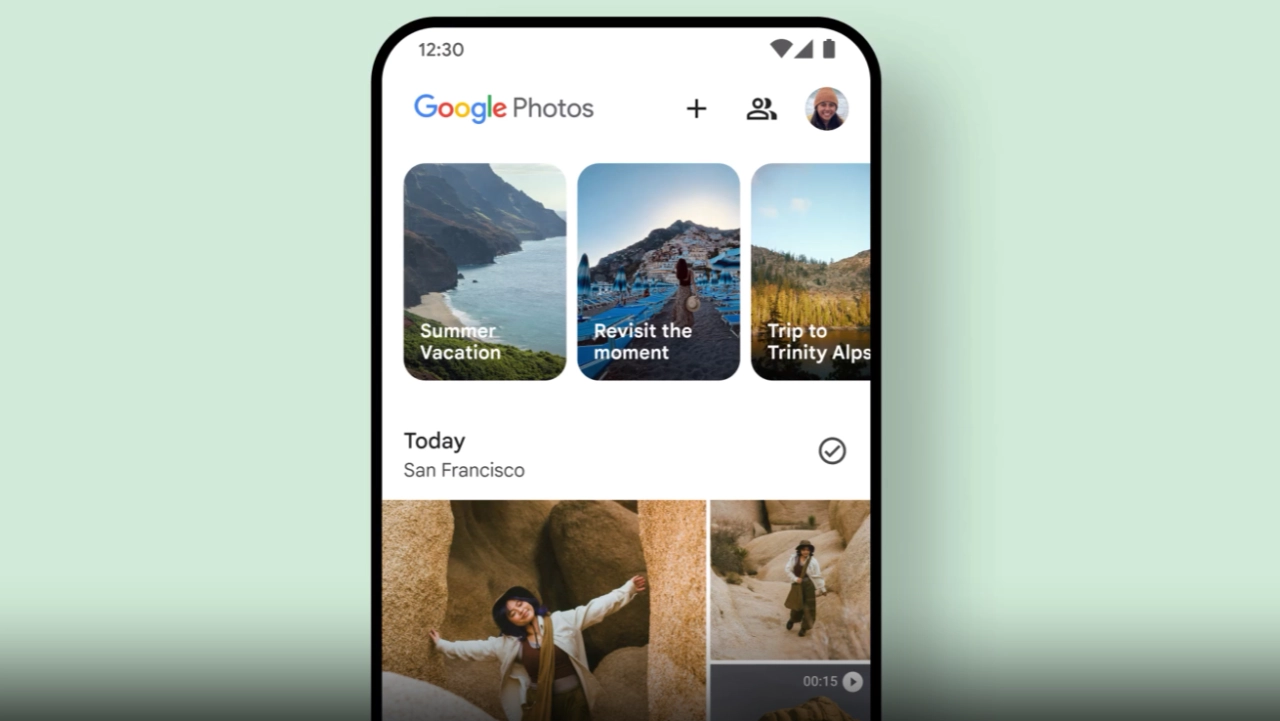
- Google Photos introduced a major video editor update with highlight templates, a cleaner layout, and more innovative editing options.
- Android users receive extra features such as custom text tools and advanced theme-based templates.
- The expanded built-in music library offers mood-based tracks that auto-sync with video timing.
- Overall, the update makes fast, professional-quality mobile video creation much easier for everyday users.
Google Photos has rolled out a new video editor update with simple tools that make video editing easier for everyone. This update adds ready-made highlight templates, a clean editing interface, custom text options, improved timeline controls, and a built-in music section. Android users get a few extra tools, while the new editor layout is available on both Android and iOS.
The Google Photos video editor update is made for people who want to create short, polished videos without switching between multiple apps.
What’s New in the Google Photos Video Editor Update
• Ready video templates for highlight clips
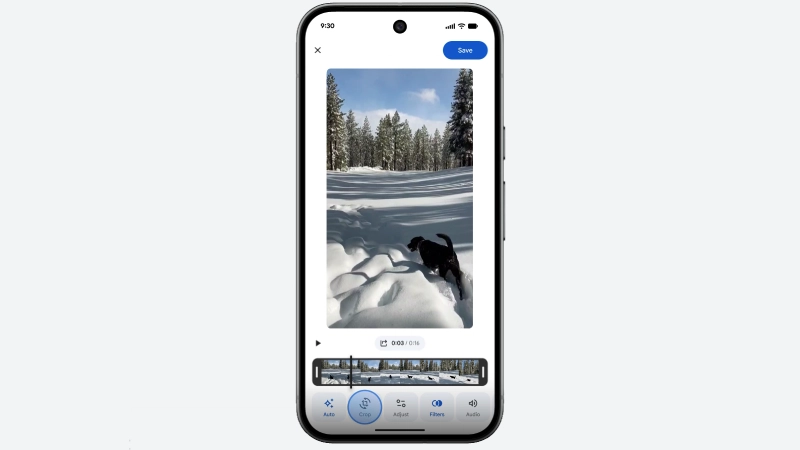
• Cleaner, modern editor layout with an easy timeline
• Custom text with different styles on Android
• Built-in music to match your video mood
• Clip-by-clip controls for simple editing
• Android gets more features than iOS for now
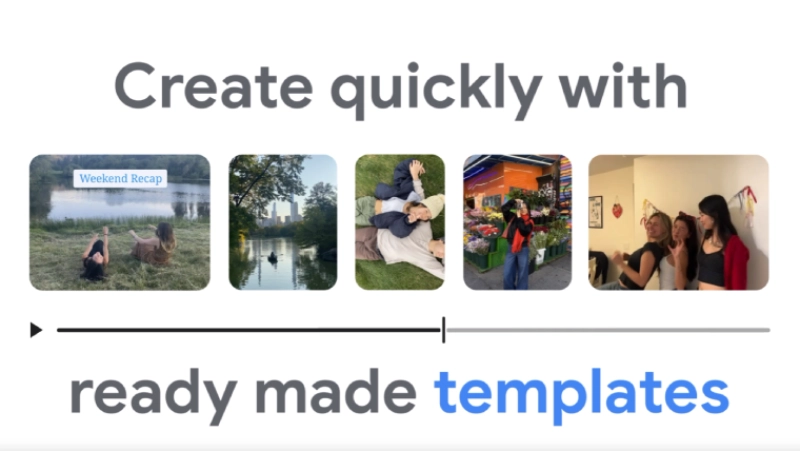
New Highlight Video Templates Make Editing Faster Than Ever (Android Exclusive)
Google Photos now lets Android users create innovative highlight video templates in a few taps. You only choose the photos and clips you want. The app automatically creates videos, including music, editing, timing, and a simple text application.
Templates help record everything from your travels to a birthday celebration, family events, school, or any event in your life you’d like to capture in video form.
A Cleaner, More Intuitive Editor Layout on Android & iOS
The video editor has a new, clean look and is simpler than before, allowing users to easily add the clips they want to include in a video by using the timeline located at the bottom of the screen to easily trim, move, arrange, etc. You can mix photos and videos in the same project without confusion.
Everything feels straightforward, so users don’t get stuck in extra steps.
Advanced Custom Text and Better Music Selection
This new feature lets you insert your own text into your video content on Android devices. You have total control over the appearance of your text, including its size, formatting, spacing, style, and color. Your chosen text style will appear clearly and legibly against the video backdrop.
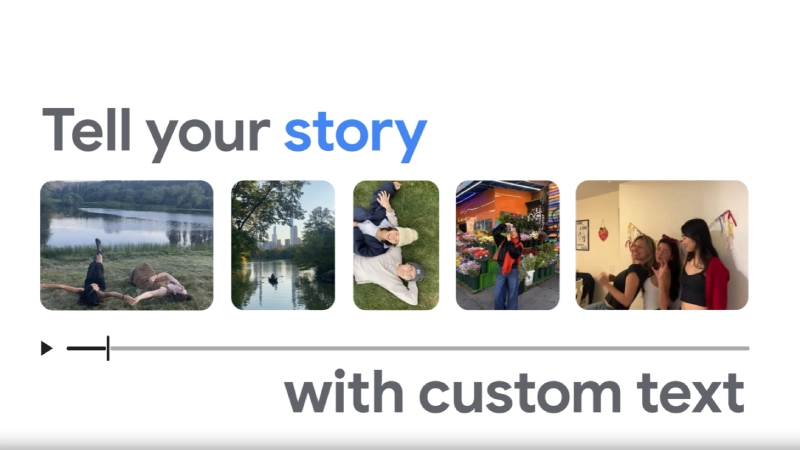
This feature will complement most video clip uses, including titles, brief commentary, and a location for your captured subject(s).
Google Photos has also added a bigger music section. You can choose from calm, happy, travel, and other mood-based tracks. The music adjusts itself to the video timing, so the final result looks neat.
Expanded Music Library With Auto-Syncing Audio
Google Photos added a richer collection of mood-based music tracks, including
- Calm
- Happy
- Travel
- Cinematic themes
If you only wish to edit a single clip or several, you now have access to all these features.
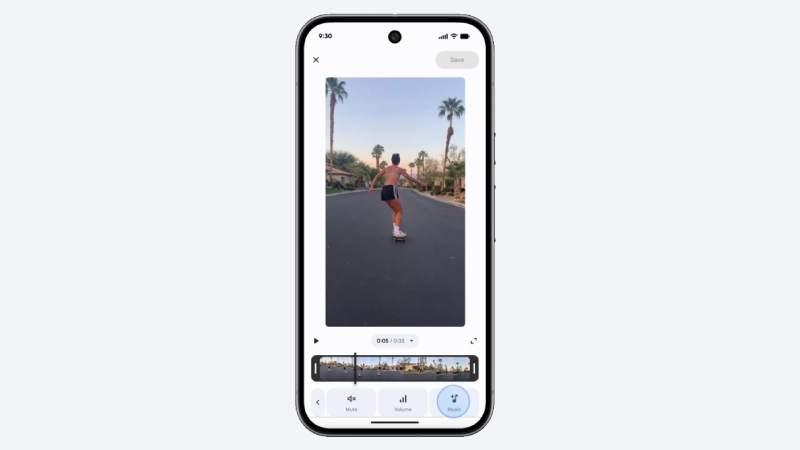
Using Google Photos, you can trim, add music, add text, and save your final products. This means you don’t need extra apps like CapCut or any other editor for basic work.
Google seems to be turning Photos into a full storage-and-editing app.
What’s Different on Android and iOS
The new editor layout is available for everyone, but Android users get more features for now. Templates, custom text styles, and theme-based tools have rolled out on Android first.
iOS users get the new layout, but not all editing tools have arrived yet. Google may bring the remaining options later.
Why This Update Matters
Google Photos is already the main gallery app for many people. Adding stronger editing tools means users can make quick videos without moving to other apps. Templates help those who want to make videos fast. The timeline allows users who want more control over their clips. The update makes video editing simple, even for people who don’t edit videos often.
Final Note
Google Photos video editor is doing so as it continues to move toward being a complete video storage/editing solution; it is developing a range of features, including new customizable templates and a clean & simple interface. The text functions are now comprehensive, allowing for clean video and fast use of regular, everyday moments and experiences.
If you often create travel recaps or video memory clips, check out these tools!