

Google Play services v26.06 quietly fixes one of Android’s most frustrating everyday problems: the moment you realize a file is gone.
That PDF you downloaded last week. The job application. The lease renewal. The power company form. One day, it’s sitting safely in your phone’s storage—and the next, it’s nowhere. Maybe an app update cleared its cache. Maybe your phone glitched. You tell yourself it’s fine. You’ll re-download it.
Then, hours later, when you’re stuck on an unresponsive government portal, it doesn’t feel fine at all.
Google knows this pain. The company built its entire empire on the promise that data can be “immortal”—searchable, syncable, and always there. Yet for years, Android’s local downloads—the everyday scraps of digital life—slipped through that safety net.

And yet for years, Android’s local downloads, the everyday scraps of digital life, slipped through that safety net. With its February 2026 System Services update, Google is quietly patching that hole.
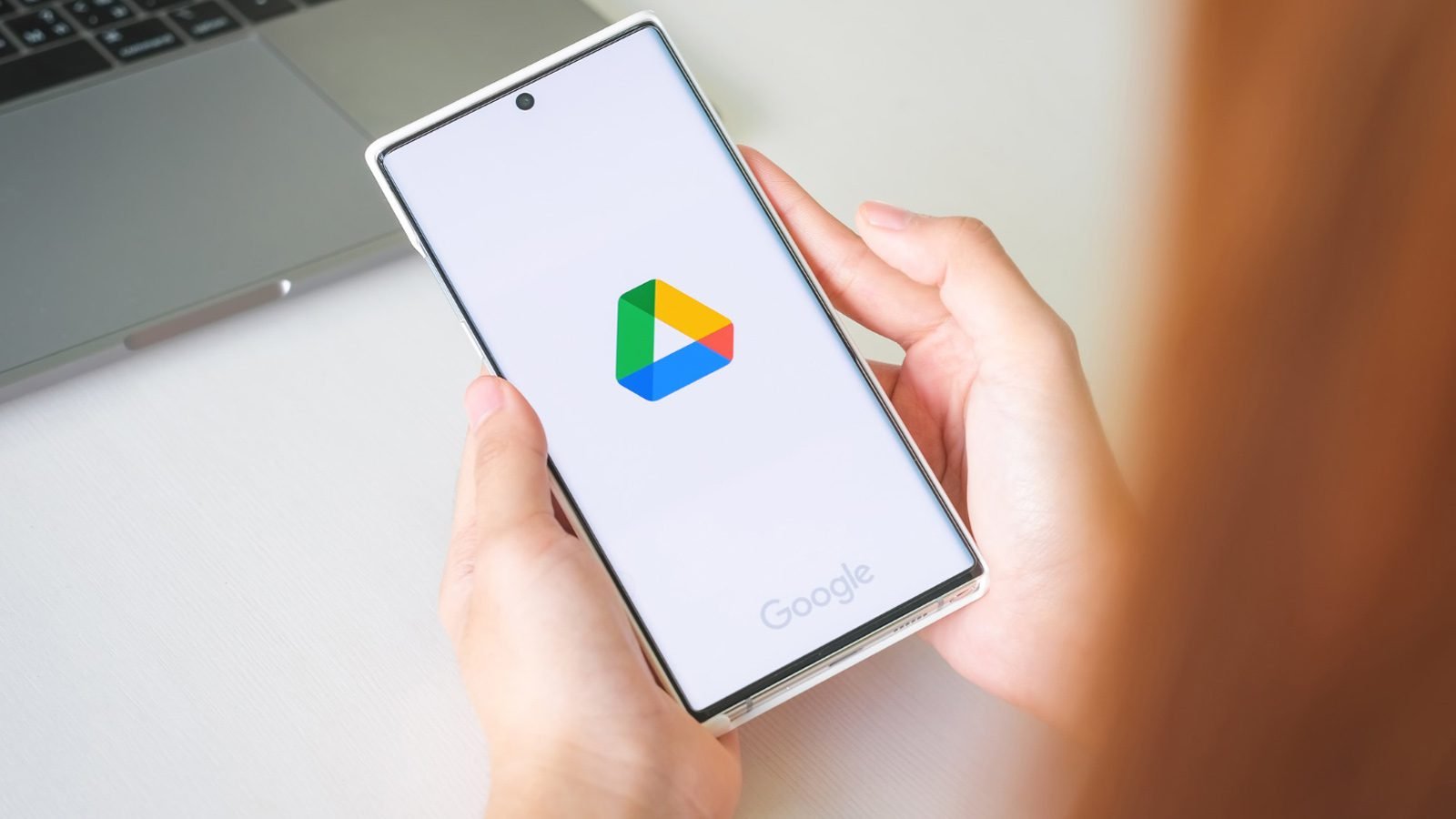
Android can now back up your downloaded files to Google Drive. But like most things inside modern tech ecosystems, the simplicity hides a shift far deeper, with one that touches ownership, privacy, and how the next billion users think about their phones.
So what exactly is happening under the hood of this everyday convenience?
What Google System Services Updates Really Are — Without the Buzzwords
Every few weeks, while your phone sits on a charger overnight, Google quietly pushes fresh code through a modular pipeline – Google Play services v26.06 and other system modules – instead of waiting for full Android version updates.
These micro-updates patch bugs, tighten security, and occasionally (like this February release) introduce features you didn’t ask for but will quickly learn to depend on.
Google bundles much of this under the label “System Services” — a plain name for something powerful. It’s the hidden infrastructure that upgrades Android’s plumbing: how your device connects, stores, syncs, and manages data behind the scenes.
In the February 2026 cycle, Google Play services v26.06 brings improvements across connectivity, update delivery, and battery efficiency. But the real sleeper feature is the new local file backup capability—a tool that automatically saves files from your Downloads folder to Google Drive with almost no effort on your part.
It’s not glamorous — but it strengthens the foundation you rely on every single day.
So where do these micro-updates actually show up in real life?
How It Affects Different Types of People
Students
For students, the Downloads folder is chaotic, with lecture slides, PDFs, resumes, and scans. A lost file can mean a missed submission or an all-nighter retyping notes. The new backup system lowers that anxiety. But it’s static; if a student edits a document, the copy in Drive stays old.
Budget-Minded Families
Parents using lower-end phones often clean their storage daily, deleting old downloads to prevent “Storage Full” alerts. Automatic Drive backup means those deletions aren’t forever. Mom’s school fee receipt or Dad’s work permit lives quietly in the cloud.
Yet there’s the data cost; uploading even small files eats into prepaid mobile data in countries where each megabyte still matters.
Young Professionals & Creators
For freelancers sending contracts or YouTubers exchanging thumbnails, the feature offers peace of mind.
Not glamorous, no new button to tap, but when your device dies mid-edit, knowing Drive holds your last invoice can be the difference between stress and relief.
Small Business Owners
Shop owners relying on budget Android phones often juggle bills, licenses, and spreadsheets through WhatsApp or local downloads. Backups bring continuity. But the trust issue remains; many fear uploading client documents to the cloud. “Safer” doesn’t always mean “comfortable.”
So, who truly benefits depends on two fragile currencies: bandwidth and trust?
Pros and Cons
| Aspect | What Works | What Feels Off |
| Backup Speed | Immediate for new downloads | Rollout delays vary by region |
| Ease of Use | Happens automatically, no setup | Hard to find or toggle manually |
| Peace of Mind | Protects against accidental loss | Doesn’t cover all folders or formats |
| Storage | Uses existing Drive account | Quickly eats free quota |
| Accessibility | Works across tablet, phone, and car systems | Uneven availability by device |
| Trust Factor | Google’s infrastructure is proven | Dependence on Google grows deeper |
Pricing & Accessibility
For now, the feature is included with your free Drive plan, with 15 GB shared across email, Photos, and backups. In the U.S., extra storage through Google One starts at $1.99 per month for 100 GB, with multi-terabyte family plans available.
In developing markets, those prices stretch further. A dollar subscription can mean a week’s data pack. So the safest version of Android may remain a luxury for many budget users.
The irony is sharp: a data-saving feature that might cost you data—or money—to use fully.
Final Thoughts
It’s easy to ignore invisible upgrades.
These under-the-hood changes may shape how the next billion smartphone users experience “trust.”
The new Google System Services update isn’t revolutionary at first glance. But its quiet ambition, to back up the ordinary, the disposable, is quietly profound. Because our most vulnerable data rarely wears importance on its sleeve.
If your phone offered to remember more for you, would you let it? Or would you rather remember what not to forget?