

Highlights
- Lightweight OS options in 2025 dramatically improve speed and usability on aging laptops.
- Chrome OS Flex, Linux Mint, and other lightweight distros offer modern features with low resource usage.
- Users benefit from improved performance, enhanced security, and a longer device lifespan.
- Different lightweight OS choices fit unique needs—from web use to full desktop workflows.
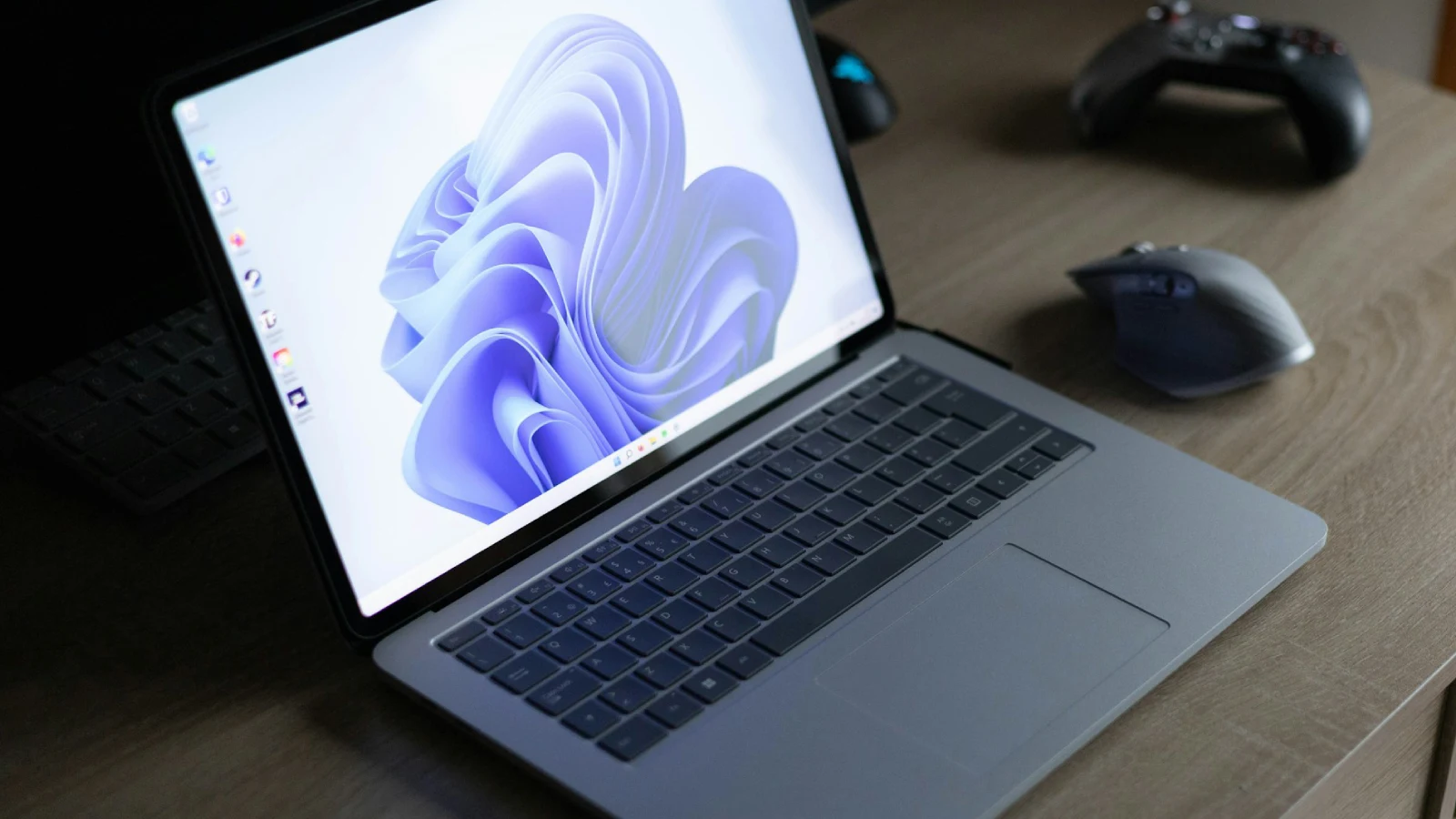
Old laptops often struggle with the demands of modern software. This leads many users to think that upgrading hardware is the only option. Fortunately, lightweight operating systems have developed into powerful and efficient alternatives that can revive aging devices. Whether the goal is improved performance, better security, or modern features on older hardware, several operating systems can significantly enhance usability. This guide looks at the most practical and user-friendly lightweight OS options for older laptops, including Chrome OS Flex, Linux Mint, and other popular choices. It provides insights into which system best fits different needs.
Why Choose a Lightweight OS for an Old Laptop?
A lightweight operating system is designed to use fewer resources, such as less RAM, lower CPU power, and minimal disk space. Older laptops often have limited memory, outdated processors, and slower hard drives, making modern systems like Windows 10 or macOS heavy and slow.
Switching to a lightweight OS offers several benefits:
- Improved speed and responsiveness
- Longer lifespan for the device
- Increased security with regular updates
- Less bloatware and clutter
- More efficient battery use due to reduced system load
Instead of throwing away an old laptop, a lightweight OS offers a sustainable, cost-effective second chance.

ChromeOS Flex: The Fastest Way to Revive Old Hardware
What Is ChromeOS Flex?
Chrome OS Flex is Google’s cloud-focused operating system designed for older computers. Unlike traditional OS installations, ChromeOS Flex turns your laptop into a Chromebook-like device. It relies on quick boot times, simple design, and seamless integration with Google’s ecosystem.
Why It Works Well for Old Laptops
Chrome OS Flex is very lightweight because it handles much of the heavy processing on the web. This makes it perfect for laptops with weak CPUs, limited RAM, or old HDDs. It boots quickly, needs minimal local storage, and runs well on hardware that struggles to support modern Windows versions.
Key Advantages:
- Fast startup and performance
- Automatic security updates and built-in virus protection
- Optimized for web-based tasks like browsing, email, and Google Docs
- Simple installation using USB
- Highly stable with minimal maintenance
Limitations to Consider
ChromeOS Flex may not suit everyone. It doesn’t support Android apps, certain printers, specialized software, or local gaming. Users who depend on heavy offline tools like Photoshop, AutoCAD, or video editing programs might find it restricting.

Best For
Students, casual users, web-focused workflows, schools, and organizations are looking for simple, secure devices.
Linux Mint: A Full-Featured Yet Efficient System
Why Linux Mint Stands Out
Linux Mint is one of the most popular desktop Linux distributions thanks to its balance of speed, usability, and full features. It’s perfect for users who want a traditional desktop experience without overwhelming older hardware.
Mint is available in three main editions: Cinnamon, MATE, and Xfce, with Xfce being the lightest and best for aging systems.
Performance on Older Devices
Linux Mint Xfce can run comfortably on laptops with as little as:
- 1GB to 2GB RAM
- Older Intel or AMD processors
- Slow HDD storage
Despite its lightweight nature, Mint offers a smooth, visually modern interface that feels familiar to Windows users.

Key Advantages
- Outstanding balance of performance and usability
- Built-in tools for managing software and updates
- High compatibility with older hardware
- Complete offline functionality for office work, media, programming, and browsing
- Extensive community support and frequent updates
Limitations to Consider
Mint needs more resources than very light Linux distributions. Extremely old or limited machines may perform better with even lighter systems.
Best For
General users, beginners, students, professionals needing desktop software, and those switching from Windows.
Other Lightweight OS Options Worth Considering
Apart from ChromeOS Flex and Linux Mint, several other operating systems work well on older devices, catering to specific needs.
Lubuntu: Ultra-Light Ubuntu Experience
Lubuntu uses the LXQt desktop environment, known for its low resource usage. It’s an excellent option for users who want the stability of Ubuntu without the heavy GNOME desktop environment.
Why Choose Lubuntu?
- Very low RAM usage
- Clean, simple interface
- Access to Ubuntu’s extensive software library
- Compatible with ancient hardware
It is ideal for users seeking speed and stability without losing functionality.
Linux Lite: The Most Beginner-Friendly Lightweight Distro
Linux Lite is designed specifically for Windows users switching to Linux. It features a familiar layout, lightweight performance, and essential applications pre-installed.
Key Benefits
- Fast and efficient on older systems
- Easy to use
- Comes with tools like Lite Tweaks for maintenance
- Strong stability based on Ubuntu LTS
Linux Lite is perfect for users new to Linux who want a smooth, fast system.
Zorin OS Lite: A Polished Lightweight System
Zorin OS Lite focuses on beautiful design and speed. Its interface resembles Windows, making it comfortable for newcomers. Despite its lightweight design, it looks modern and refined.

Why It’s Popular
- Sleek, intuitive design
- Very fast on older machines
- Strong app support through Flatpak and Ubuntu repositories
Zorin OS Lite works particularly well on laptops that need a visually appealing but resource-friendly OS.
Puppy Linux: The Best Choice for Extremely Old Hardware
For laptops that are decades old or have very limited specs, Puppy Linux is one of the lightest systems out there.
Major Advantages
- Runs entirely in RAM
- Boot time under one minute
- Tiny installation size
- Suitable for machines with less than 1GB RAM
Though basic in appearance, Puppy Linux is unbeaten in efficiency for the weakest hardware.
Choosing the Right Lightweight OS: What to Consider
When selecting a lightweight OS, keep the following factors in mind:
- Hardware Specs
Older CPUs, limited RAM, and slow HDDs may need extremely light distros like Puppy Linux or Lubuntu. More recent but slow laptops can handle Mint Xfce or Zorin Lite.
- Usage Needs
- Web-based productivity → ChromeOS Flex
- General offline usage → Linux Mint Xfce
- Windows-like interface → Zorin OS Lite or Linux Lite
- Ancient hardware → Puppy Linux or Lubuntu
- Software Requirements
Think about whether you need office tools, programming environments, media players, or just a browser-based system.
- Comfort Level With Linux
Beginners might prefer Linux Mint, Linux Lite, or Zorin OS, while more experienced users may enjoy Lubuntu or Puppy Linux.
Final Thoughts
Reviving an old laptop does not have to mean costly upgrades or complicated repairs. With lightweight operating systems like ChromeOS Flex, Linux Mint, Lubuntu, and Zorin OS Lite, even the slowest machines can become fast, secure, and productive again. These solutions help reduce e-waste, extend device life, and provide better performance than many bloated modern OS versions.
By selecting the right operating system based on your device’s capabilities and personal needs, you can turn an outdated laptop into a smooth, reliable machine ready for browsing, studying, office work, or everyday use.