


Highlight
- The new Windows 11 Insider Preview Build 28000.1340 delivers major stability and storage reliability fixes.
- Microsoft re-enables earlier preview features while refining future 24H2 and 25H2 updates.
- Canary Channel testers gain early access to deep system improvements designed for next-gen hardware.
Microsoft has issued the latest preview release of its Windows 11 system to those trying out this program. Available for download via the Canary Channel, Windows 11 Insider Preview Build 28000.1340 (KB5072032) is a major update that delivers a wealth of improvements, fixes, and updates on upcoming Windows releases.
Microsoft continues to modernise the OS for the next generation of hardware by releasing this build as part of Microsoft’s ongoing development of Windows 24H2 and 25H2.
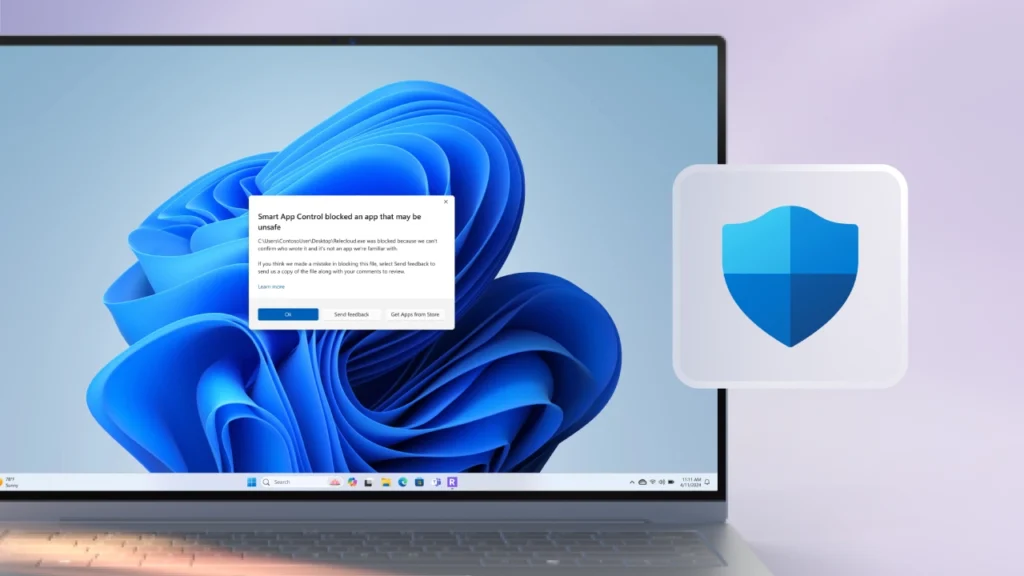
Key Improvements in Build 28000.1340
Storage-related issues have finally been fixed
One of the most important fixes in this build focuses on improving storage reliability. Microsoft says the update resolves a problem that made some Storage Spaces inaccessible. In some cases, creating a Storage Spaces Direct cluster could also fail.
This was a known issue in earlier preview builds, and the fix should help testers who depend on complex storage setups for work or server-style testing.
Administrator Protection temporarily disabled
Microsoft has turned off the Administrator Protection feature for users in the Canary Channel. This is intentional, and the company notes that the feature will return once testing is complete.
Since Canary builds often include early and experimental code, certain features may be disabled, adjusted, or removed during development. This is a routine part of Microsoft’s Insider testing process.

Some older preview features are being re-enabled
This update marks the return of some features from the earlier October non-security preview for Windows 11 versions 24H2 and 25H2.
Also, it is important to note that builds in the Canary Channel should not be taken as an accurate representation of what will be present in upcoming public releases. Features tested here may change significantly or may never roll out to everyone.
What This Build Means for Insiders
Canary Channel remains in the earliest testing phase
The Canary Channel is the most experimental part of the Windows Insider Program. It receives the earliest builds with major platform changes. These builds can include rough edges, incomplete features, or unexpected behavior.
Microsoft uses this channel to test deep system updates long before they reach the Dev or Beta channels.
Testers running Build 28000.1340 should expect occasional performance issues or missing features. This is normal for Canary builds.

No major visual changes in this release
Unlike some older dev/beta versions that had noticeable UI and AI feature updates, this release is focused more on stability and core systems development.
This release form of Windows 10 (Windows 10 Insider) was developed specifically to prepare Windows to support new hardware solutions such as next-generation ARM processors. These larger hardware changes tend to get released in the Canary Channel before the user-friendly features in the public dev versions.
What Users Should Keep in Mind
If you are testing Windows builds in the Canary Channel, here are a few things to note:
- Expect instability. Features may come and go. Some system tools might not behave normally.
- Back up your data. Since this channel receives the earliest code, issues such as storage bugs can affect your files.
- Not ideal for primary PCs. If you rely on your PC for daily work, the Canary Channel may not be the right choice.
- Switch to Dev/Beta if needed. These channels offer more stable builds with features closer to public releases.
For testers, this build ensures that Windows continues to get smoother and more reliable as Microsoft prepares its future versions.
Final Note
The Windows 11 Insider Preview Build 28000.1340 does not contain numerous new features. However, it includes a large number of fixes that improve the stability of the core components and continue the testing process of Windows 11, which was the chief purpose of this build. Additionally, any new features that are visible in this build will most likely show up in more detail in subsequent Windows 11 builds as Microsoft approaches the next major release of Windows.