

Highlights
- AI photo editors turn simple text prompts into polished visuals, making design accessible to everyone.
- Canva AI, Adobe Firefly, and Midjourney each serve different needs, from quick layouts to professional edits and concept art.
- Powered by diffusion models, these tools save time, reduce stress, and eliminate the need for advanced design skills.
It is 2 a.m. on a Sunday, and your group project is due in six hours.
The slides are ready, the script is done, but the cover image looks like it was made in 2009 PowerPoint. You have no designer on the team, your Canva skills are basic, and Photoshop might as well be a NASA control panel.
Now imagine typing, “Cyberpunk city at night, student presenting a project, neon, clean slide cover” into a photo editor and getting three polished options in under a minute.

You tweak the colors, drop your title on top, and you are done. No stock photo hunting, no long YouTube tutorials, no begging your one artsy friend.
This is what next‑gen, AI‑driven photo editors are doing for anyone right now, with students rushing assignments, creators planning thumbnails, marketers building campaigns, and parents trying to design a decent birthday invite.
Behind the scenes, they are powered by serious science, but on the surface, they feel like a smart friend that“gets” your idea and turns it into visuals on demand.
How Canva AI Photo Editor Became the “Google Docs of AI Design” for Anyone
Canva started as a drag‑and‑drop design tool; Canva AI turns it into a visual idea machine for anyone.
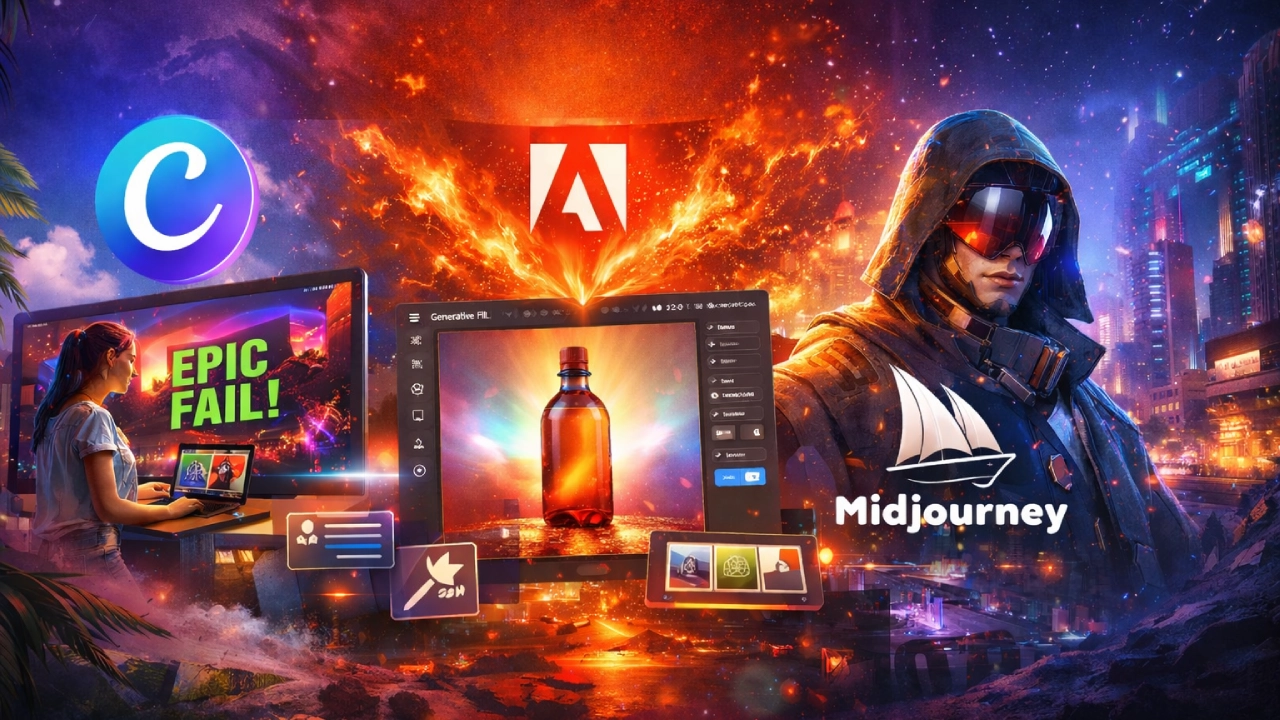
Picture a creator on a cramped train, hotspotting from their phone, trying to design a YouTube thumbnail before uploading. They do not open a heavy desktop app, so they open Canva, type“dramatic gaming thumbnail, dark mode, big ‘EPIC FAIL’ text, neon green, and let AI generate multiple layouts.
Canva AI sits on top of generative models that learn patterns from millions of images,l ike how colors work together, how faces look, and how text boxes sit on a background.
When you enter a prompt, the model starts from random noise and steadily “cleans it up” step by step until a clear image appears.
Practical Takeaway:
- Students can build posters and presentations that actually look modern.
- Office workers can spin up campaign mockups in minutes.
- Side‑hustle creators can generate social posts, ads, and reels covers between meetings.
Old vs new:
Before, you hunted for “almost right” stock photos, then forced them into your layout. Now, you generate images that match the exact vibe in your head, with colors, style, and mood, directly from text.
Adobe Firefly AI Photo Editor: The Ultimate Power Tool for Creators and Marketers
Think of Adobe Firefly as the AI engine inside Photoshop and Express that quietly does the heavy lifting for people who care about polish.
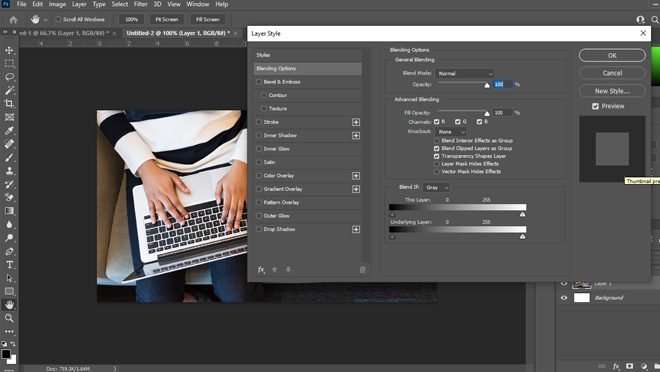
Imagine a marketing manager fixing a product photo: the bottle is perfect, but the background is messy. With Firefly’s Generative Fill, they can select the background, type “soft studio gradient, blue–purple,” and watch the messy setup turn into a clean, studio‑style shot.
Firefly is built and trained to play nicely inside Adobe’s ecosystem. It uses diffusion models too, but tuned for editing rather than just raw image creation: instead of building a full image from scratch, it often works on parts—expanding, adding, or removing elements in a way that looks natural to the human eye.
Practical Takeaway:
- Creators can fix distracting objects and extend backgrounds for vertical shorts or wide web banners.
- Office workers can resize and reformat a single hero image into a whole set of campaign assets.
- Parents can clean up birthday photos or school project images without learning layers and masks.
Old vs new:
Previously, advanced retouching meant watching 45‑minute Photoshop tutorials and fighting with dozens of layers.
Now, “select → type what you want → generate” covers a huge chunk of editing tasks.
Midjourney AI Image Generator: The Virtual Concept Artist for Gamers and Creators
Midjourney lives closer to Discord chats than corporate dashboards, and it shows in the output: bold, stylized images that feel like they came from a concept art studio.
Picture a game dev student prototyping levels. Instead of sketching in a notebook, they prompt Midjourney: “top‑down sci‑fi dungeon, glowing corridors, retro pixel style” and instantly get multiple aesthetic directions to show the team.
Midjourney also uses diffusion ideas, but the “opinionated” way it has been tuned gives it a recognizable visual personality, with cinematic lighting, strong composition, artistic details.
The model has effectively learned patterns from art, photography, and design and then bends your text prompts through that artistic lens.
Practical Takeaway:
- Gamers can visualize custom skins, maps, and characters to share with modders or artists.
- Freelancers can pitch campaign concepts with full visuals instead of rough scribbles.
- Creators can design cover art, podcast thumbnails, and mood boards in a single evening.
Old vs new:
Concept art used to require either a dedicated artist or buying generic images and trying to stitch them together.
Now, anyone with a clear idea and a decent prompt can test five visual directions before lunch.
How AI Photo Editors Work: Diffusion Model Science Explained in Simple Language
Underneath all three tools is a similar scientific backbone: diffusion models. The easiest way to picture it is sandcastles and waves. In training, the model sees real images and slowly adds “noise” until they look like pure static.

It learns this destruction process step by step.
Generation is that in reverse.
You start from random noise, and the model asks at each step: “If this static were a bit less messy and more like what the text describes, what would it look like?” Step by step, it carves the noise into shapes, then textures, then details, until you have a final image that matches your prompt surprisingly well.
Well, you do not need to understand tensors or probability. What matters is that the better you describe what you want (mood, style, colors, subject), the more the model can “sculpt” the noise into something useful for your game, class, job, or side hustle.
Real-World Benefits of AI Photo Editors for Students, Gamers, Creators, and Parents
- Students: Fast, presentable slides, lab posters, and cover pages without begging a designer friend every semester.
- Gamers: Custom overlays, stream graphics, server logos, and fan art concepts with almost no design learning curve.
- Office workers: On‑brand LinkedIn banners, report covers, and campaign visuals built in hours instead of weeks.
- Creators and freelancers: Thumbnails, ad creatives, and mockups that can be A/B tested quickly, increasing views and conversions.
- Parents and everyday users: Birthday invites, school project visuals, picture collages, and family event posters that actually look polished.
Should Anyone Use AI Photo Editors Like Canva AI, Firefly, and Midjourney Every Day?
For anyone juggling work, studies, gaming, content creation, or family life, these next‑gen photo editors turn “I wish I could design” into“I shipped this in half an hour.

They save time, reduce costs, and most importantly, remove the fear of a blank canvas by letting you start from AI‑generated ideas instead of nothing.
The science, with the diffusion models quietly sculpting random noise into images, is complex, but the effect on your day is very human, with less stress, faster output, and visuals that finally match the story in your head.
Anyone can plug these tools into their daily grind starting today.
What is the first thing you would create? An epic gaming thumbnail, a college project poster, or a slick ad for your side hustle?
And those in your circle who are still stuck inside old‑school editors—gamer friends, overworked colleagues, or busy parents, would you suggest these upgrades to them?