

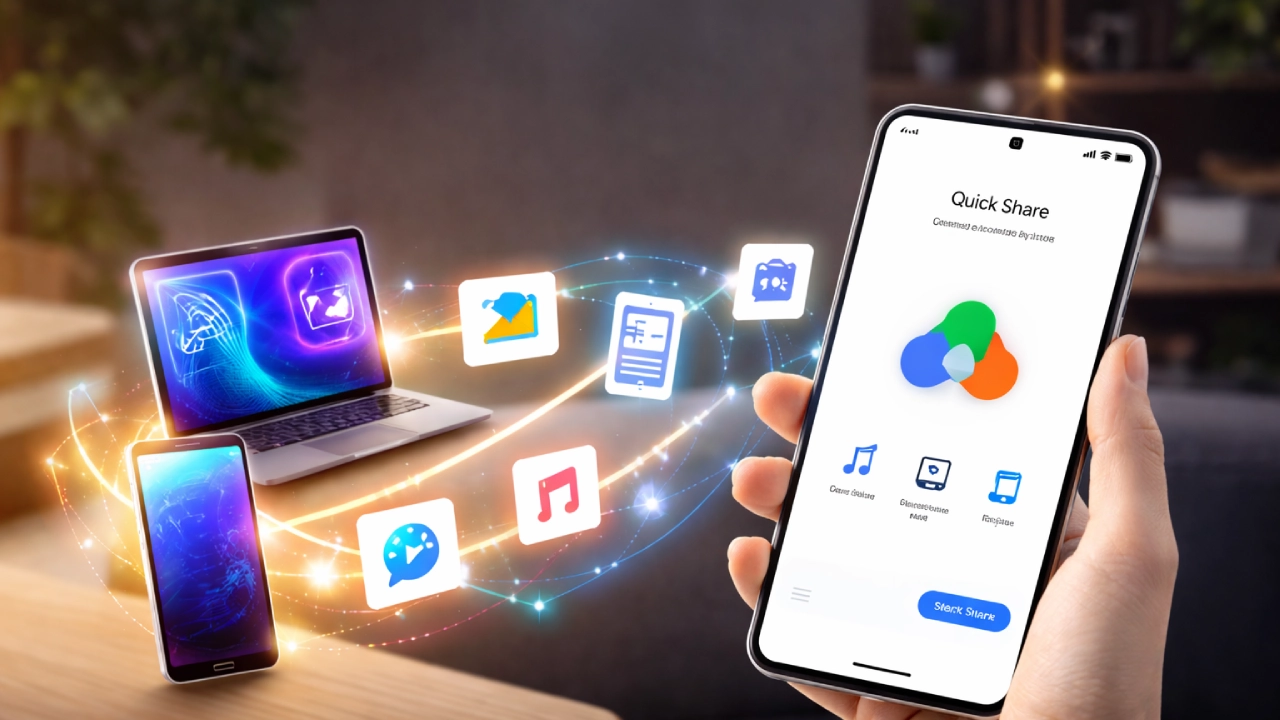
Google is trying to fix one common problem Android users face — sending files quickly to nearby devices. With Quick Share Pixel, the company is offering a built-in way to transfer photos, videos, and documents without cables or extra apps.
Many people call it Android’s version of AirDrop. But is it really the same? Let’s break it down in simple words.
What is Quick Share Pixel?
Quick Sharing by Google for Android phones on the Pixel is an in-built file-sharing system that is built into your Android device; therefore, you do not have to download anything.
The pixel version runs exceptionally well due to its attachment to the operating system. To utilise the feature, open your preferred photo or file, tap Share, and select Quick Share. Nearby devices show up on your screen.
That’s it. No cables. No third-party apps. This makes the Google Pixel file transfer much easier than before.
How Quick Share works in real use
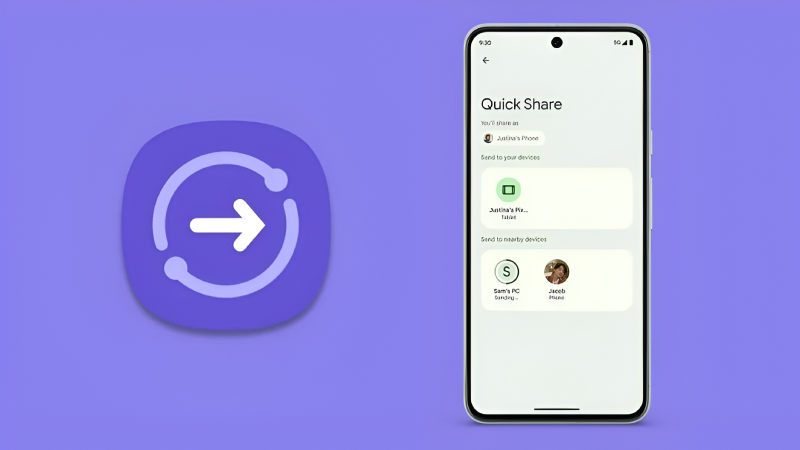
Understanding the operation of Quick Share is very simple: turn Bluetooth on and Wi-Fi on. After that, open your file, press Share, and then select Quick Share.
You should now have the ability to find another device in your area that has the ability to receive the file. Your device will detect the other device(s) using Bluetooth and will use Wi-Fi Direct for quicker file delivery. That is why even big videos move quickly. In daily use, it feels fast and clean. No confusion.
Quick Share Android vs AirDrop
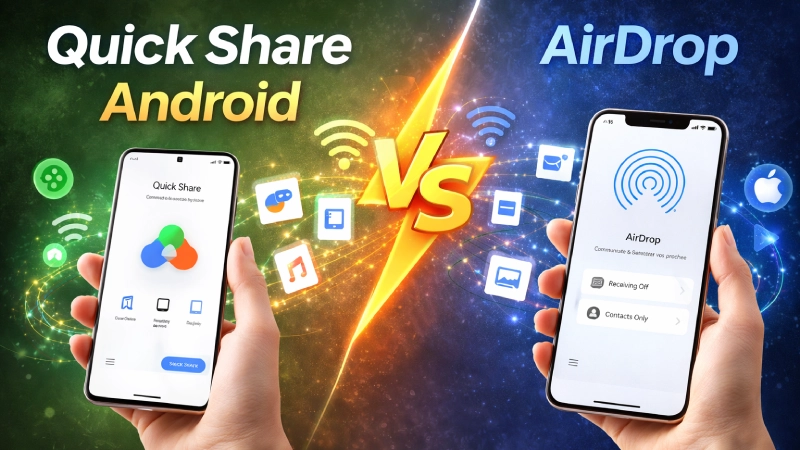
The most significant contrast between Quick Share Android operability and AirDrop is the number of manufacturer devices supported. AirDrop operates solely between Apple devices built by Apple Inc. If you have an iPhone and a Mac, then AirDrop will work seamlessly between them.
However, Quick Share will function with many Android manufacturers, not just Pixel devices. That gives it wider support inside the Android world.
Still, AirDrop feels slightly more connected because Apple controls both hardware and software. But Android users now finally have a proper built-in option. For many people searching for AirDrop for Android, this is the closest solution.
Can Pixel share files with an iPhone?
A big question people ask is about sharing files between a Pixel and an iPhone. Right now, Quick Share mainly works between Android devices. It does not directly connect with AirDrop on iPhone.
That means you are not able to send files between the Pixel and iPhone devices in one step with Quick Share but you can send by using any of the past methods as i.e. sending files by sending a link, using the cloud service, or sending files via other methods of communication. It will just take 1 to 2 more steps to complete.
In any Android file transfer iPhone comparison, Apple devices still work better with each other. But Android-to-Android sharing has improved a lot.
Setting up Quick Share on Pixel
Quick Share Pixel setup is not complicated. Go to Settings. Tap Connected devices. Open Quick Share. You determine the visibility of your device by selecting between all users, just your contacts, or just your devices.
Choosing one of these three options helps protect your privacy by preventing unknown individuals from sending you files. It’s also easy to turn on and off this feature with a Quick Settings toggle on Pixel phones.
Why Quick Share matters for Android users
File sharing may sound like a small feature, but it affects daily life. People send event photos, work documents, and videos almost every day.
Earlier, Android file sharing, like AirDrop, was missing or depended on extra apps. Now, Quick Share Android offers a built-in system that feels reliable and fast.
For Pixel users, especially, the experience is cleaner and more stable. It shows Google is focusing on improving everyday features instead of only big software updates.
Final thought
Although Quick Share Pixel won’t yet fully take over AirDrop on different devices, Quick Share Pixel has set a new trend within Android devices for transferring data quickly and securely; therefore, this is a positive change for those who use Android technology at work or home.