

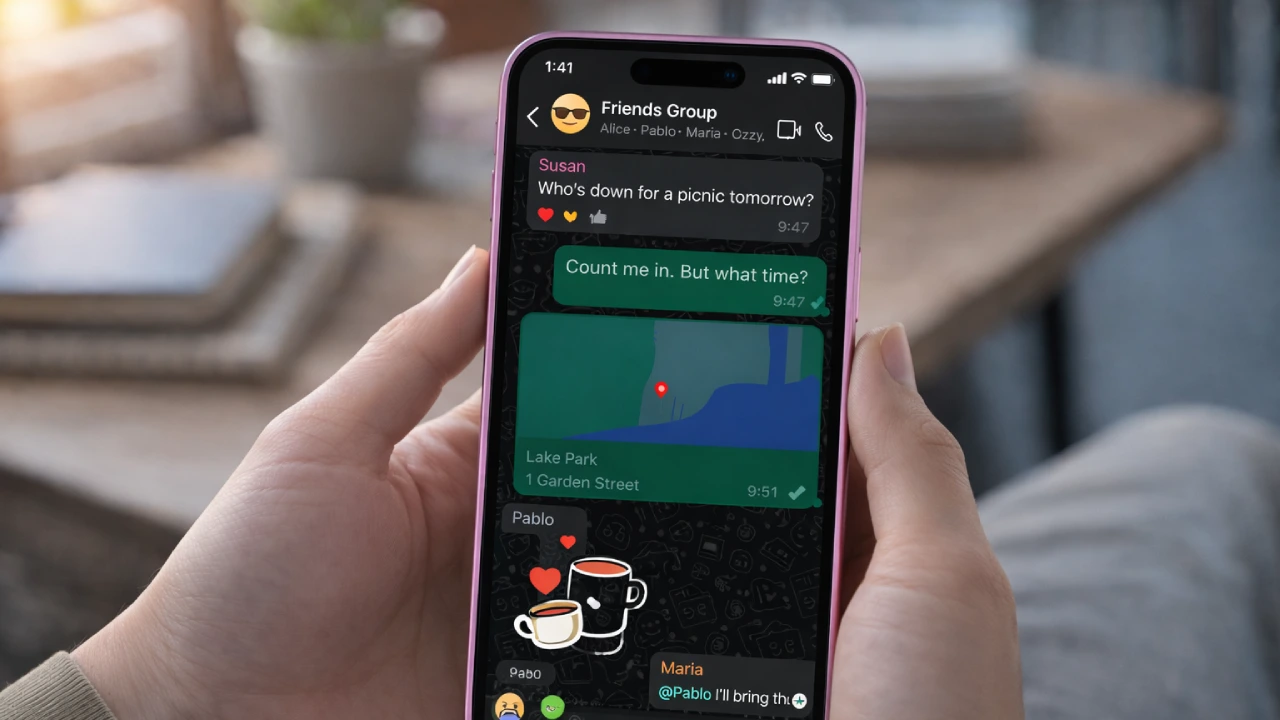
A new version of the WhatsApp Beta for iOS is now available for testing on an iPhone through TestFlight (v. 2.6.7.10.72). The WhatsApp iOS update 26.7.10.72 will not add any new features to the WhatsApp app.
Instead, it fixes something many users did not even realize was a problem. The focus this time is on WhatsApp status mentions. The most notable change associated with this updated version relates directly to having been tagged/mentioned in a user’s WhatsApp Status (the update will provide a clearer and easier way for you to find out if somebody has tagged/mentioned you).
Although this is a minor change, it should make a positive difference for many users.
What Is This Update About?
The introduction of the update was originally detected by WABetaInfo, which also monitors new WhatsApp features. Previously, if anyone tagged you on their status, a notification was sent. But the problem was simple. That notification looked almost like any other message alert. If you had many chats, they could easily get lost.
Now, with the new WhatsApp TestFlight update, WhatsApp is working on making these status mention alerts clearer inside the app. There is no big redesign. No new tab. Just better visibility.
Why WhatsApp Status Mentions Were Easy to Miss
Let’s be honest. Most people today are part of many WhatsApp groups. Family groups, office groups, college friends, local groups. Notifications keep coming all day. If someone mentioned you in a status, the alert would show up. But within seconds, it could get pushed down by new messages.
Many users did not even realize they were tagged. The latest WhatsApp iPhone update aims to fix this issue by making WhatsApp Status tag alerts reverse the purpose of tagging someone on WhatsApp. Now, with this beta version of the product, WhatsApp is attempting to improve the probability that when you are mentioned in someone’s Status, you will be aware of it.
Not a Big Feature, But a Practical One
This is not the kind of WhatsApp 2026 new feature that changes how WhatsApp looks. You will not open the app and feel that something is completely different. But it fixes a real daily issue. And sometimes that is more important than adding new features.
Status has become more active over the past few years. People share photos, short videos, voice notes, and updates. Tagging friends in statuses is also common now. So it makes sense that WhatsApp wants to improve how mentions are handled.

Who Can Try It Right Now?
Currently, the updated version of WhatsApp is only available for beta users, and only if you are an official beta participant through TestFlight. You can check if you have access to download WhatsApp beta for iOS 26.7.10.72 in your TestFlight app.
WhatsApp has been slow to roll out beta updates. So even among testers, not everyone may see it at the same time. For regular iPhone users, the feature will come later in the App Store WhatsApp update if testing goes well.
Part of a Bigger Pattern
In the last several months, WhatsApp has made a few improvements to its iOS app with little change to its chat filters, response options, and very minor layout changes. This new WhatsApp iOS update beta version follows the same pattern.
Instead of launching something flashy, the company is fixing small weak points in the app. For daily users, that is often more useful.

What Happens Next?
WhatsApp does not have an estimated release date for the new feature since it is still in beta testing and may get altered based on input from beta testers. If all goes well, we should see the new feature in an upcoming update to the App Store for iPhone users.
If not, it may be changed again.
The Bottom Line
WhatsApp beta for iOS 26.7.10.72 does not bring excitement. But it brings clarity. By improving how status mentions are shown, WhatsApp is fixing something that many users quietly struggled with.
It is a simple update. But for people who use Status often or are active in many groups, this small fix can make everyday use a little smoother.