

Highlights
- WhatsApp Multi-Device Expansion Beyond Phones allows one account to work independently on tablets, PCs, and other linked devices without the phone staying online
- WhatsApp finally delivers a proper experience for tablet and desktop users with reliable syncing and notifications
- End-to-end encryption remains intact while allowing one account to be used on two phones and multiple devices
For a very long time, WhatsApp worked in a way people never questioned. The phone was everything. If the phone worked, WhatsApp worked. If the phone didn’t, nothing else did. Most users got used to it.
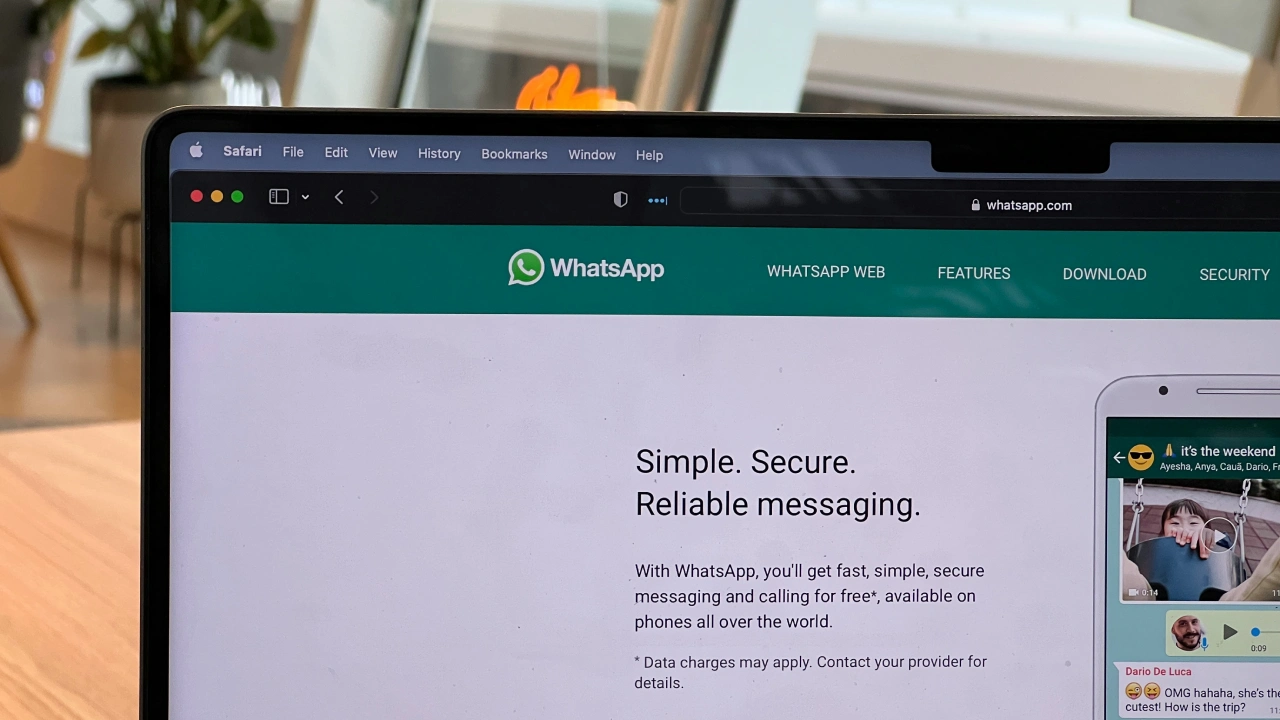
You opened WhatsApp on your laptop, and it felt fine at first. But the moment your phone battery dropped, or the internet slowed down, the laptop screen froze. Messages stopped. Calls failed. Sometimes you did not even know why. People complained, but quietly.

Christian Wiediger/Unsplash
Now WhatsApp is finally fixing this old problem. The company is expanding its multi-device system so one WhatsApp account can be used on tablets, PCs, and other devices without needing the phone to stay connected all the time. Once devices are linked, they work on their own. It may sound small, but in daily use, it changes a lot.
The Old WhatsApp Rule That Frustrated Everyone
Earlier, WhatsApp followed one hard rule. Everything passed through the phone. Your laptop or tablet was not really using WhatsApp. It was only copying what the phone was doing. If the phone stopped, the copy stopped too. This caused trouble in normal situations. Phones run out of battery. Networks drop. Sometimes phones are left at home. But WhatsApp did not care. The system stayed the same for years.
People working on laptops felt it the most. Tablet users had it worse. They never even got a proper app, only a browser version that felt half done. Slowly, this setup started feeling outdated.
Why WhatsApp Could Not Ignore This Anymore
The way people use devices has changed. A phone is still important, but it is not the only screen anymore. People reply to messages from laptops, tablets, office computers, and sometimes even a second phone. Messaging apps need to move with this change.
Telegram already allowed this kind of freedom. Messages showed up everywhere without asking where the phone was. WhatsApp stayed behind for a long time, and users noticed. This multi-device expansion is WhatsApp accepting that phone-only thinking no longer works.
What WhatsApp Is Actually Changing
WhatsApp is now letting linked devices work independently. This means once you connect a device, it does not depend on the phone every time you use it. Messages come directly to that device. Replies go out from that device.
Your phone can be off. Your phone can have no internet. WhatsApp still works on the other screen. The phone is only needed once, during setup. This is a big change under the hood, even if it looks simple on the surface.

How Linking a Device Works
The linking process is still familiar, which is a good thing. You open WhatsApp on your phone and go to the linked devices option. On your tablet or PC, a QR code appears. You scan it using your phone.
That’s it. After this, the device stays connected. You do not need to repeat the process daily. You do not need your phone nearby every time. WhatsApp finally behaves like a modern app.
Message Safety Has Not Been Removed
Any time WhatsApp changes something like this, people worry about privacy. WhatsApp says message safety stays the same. Chats are still end-to-end encrypted. Each device gets its own security setup. Messages are locked on every device. They are not stored openly on servers. Even WhatsApp cannot read them. This security work is not easy, and it explains why this update took years instead of months.
Tablets Finally Get Respect
Tablet users were ignored for a long time. If you wanted WhatsApp on a tablet earlier, you opened a browser and used WhatsApp Web. It worked, but barely. Notifications were late. Features were missing. It never felt right.
Now things are different. WhatsApp works properly on Android tablets and iPads. Chats load fast. Messages arrive on time. Calls are supported. The tablet does not need a SIM card. The phone does not need to stay online. For students, home users, and people who prefer bigger screens, this update finally makes sense.
WhatsApp on PC and Mac Feels Reliable Now
Desktop users notice the difference quickly. Earlier, WhatsApp on PC or Mac always felt fragile. One small phone issue, and the whole thing stopped. Now, once linked, the desktop app works on its own.
Messages arrive even if the phone is switched off. File sharing works smoothly. Notifications stay active. In offices, this matters. Phones are often kept aside during work. WhatsApp continues running quietly on the computer screen. It feels stable for the first time.
How Many Devices Can Stay Connected
WhatsApp allows one main phone and four additional linked devices. These can be laptops, tablets, or browsers. All stay connected to the same account. If a device is not used for a long time, WhatsApp may remove it automatically. This is done for safety reasons. For normal users, this limit is more than enough.
Chat History Still Stays Together
One concern people had was chat history. Messages sent from any device appear on all linked devices. If your phone was offline when messages came in, they still sync later. Photos and videos may take a little extra time depending on network speed, but chats remain complete. You do not lose conversations just because one device was offline.
Using WhatsApp on Two Phones
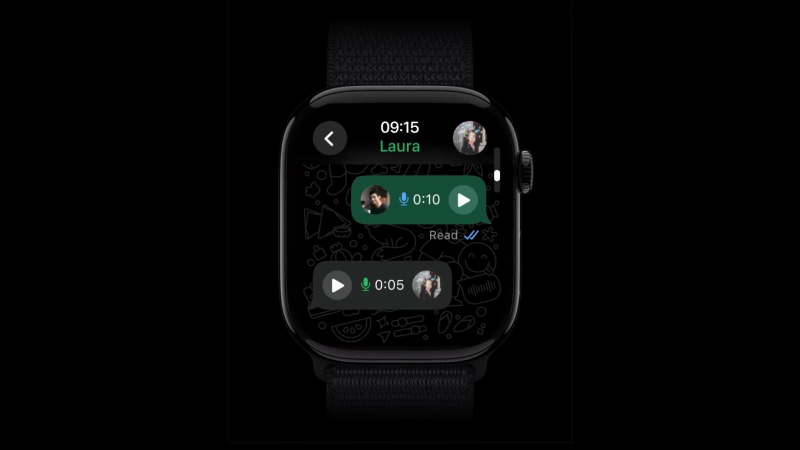
This is one of the most useful changes for many users. WhatsApp now allows one account to be used on two phones. The second phone works as a linked device. It does not need a SIM card. It works independently. Messages sync properly.
People who use one phone for work and another for personal use will find this very helpful. Earlier, they had to choose one device or use tricks. Now it works officially.
Why WhatsApp Took So Long
This update did not come late because WhatsApp was lazy. The app handles billions of messages daily. Allowing independent devices while keeping messages private is complicated. WhatsApp had to rebuild parts of its system. Message syncing, encryption, device checks, all needed changes. This was not a small update that could be pushed quickly.
How It Stands Against Other Apps
Telegram makes multi-device use easy by storing messages in the cloud. That helps with syncing, but worries some users. Signal allows multiple devices, but with limits. WhatsApp now sits somewhere in between. Independent device use with strong privacy. For most users, this feels like a good middle ground.
Who Will Notice This Change the Most
People working on laptops all day will feel the difference immediately. Messages arrive without checking phones again and again. Tablet users finally get a proper WhatsApp experience. People carrying two phones no longer need separate accounts.
What Still Needs the Phone
The phone is still important for some things. Account setup, number change, and security options still need the main phone. This keeps accounts safe. Also, the update is rolling out slowly. Not everyone will see it at the same time.
Final Words

WhatsApp did not change how the app looks. It changed how the app behaves in real life. Using one account across phones, tablets, and computers without worrying about phone connection feels normal now. It should have been this way earlier. This update does not shout. It quietly fixes a problem people had learned to live with.