


Highlights
- Self-hosted cloud services give users full ownership and control over their data, rather than relying on third-party servers.
- Privacy improves significantly since there is no silent metadata tracking or automated data analysis.
- Long-term costs can be lower, but users must handle setup, security, and maintenance themselves.
- Hybrid cloud setups balance privacy and convenience for users who want both control and ease.
Cloud storage is no longer just for tech people. Today, almost everyone saves something online. Photos, videos, office files, backups, passwords, and sometimes very personal data also sit on cloud servers.
Most users never ask where this data is stored. They trust big companies because it feels easy and safe. But slowly, people are starting to ask uncomfortable questions. Who really owns this data? Who can see it? What happens if the account is locked or the service shuts down?
Because of these questions, self-hosted cloud services are getting attention. They are not new, but now more people are willing to try them. This article examines what self-hosted cloud services really offer and where they fall short, especially when privacy and control are at stake.
What Does Self-Hosted Cloud Really Mean?
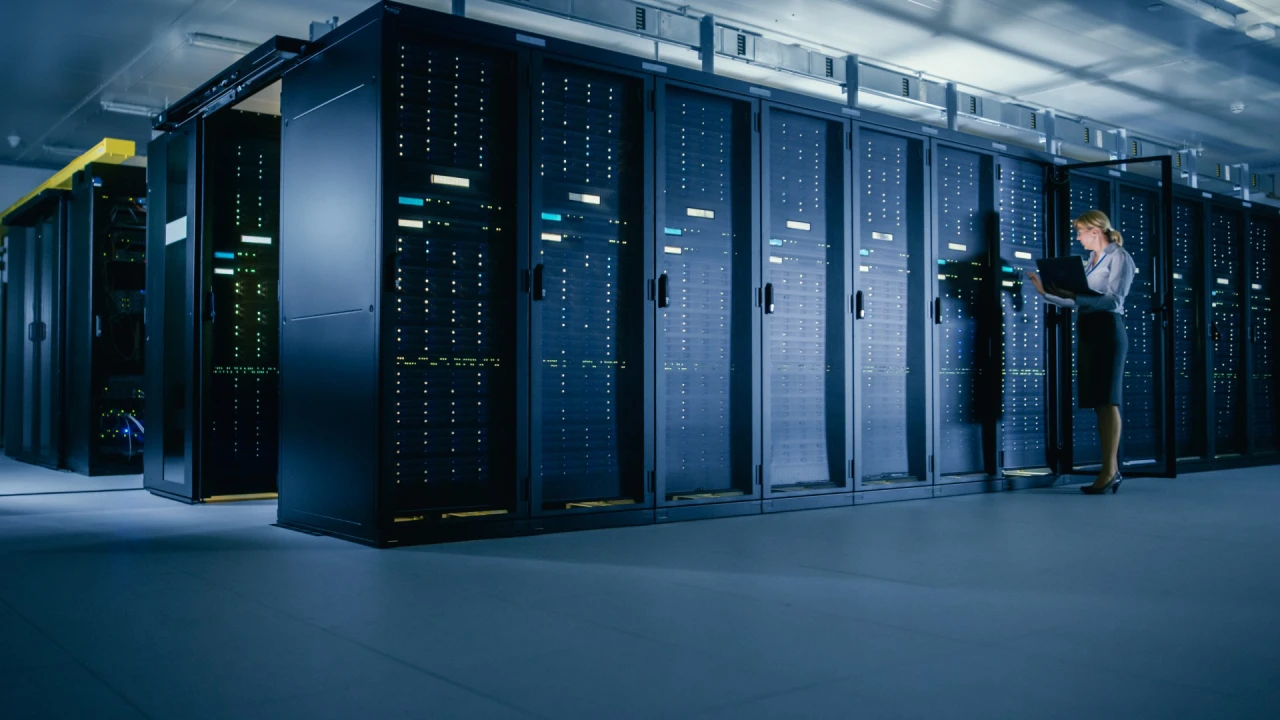
A self-hosted cloud is simple in idea. Instead of saving your files on a company’s servers, you store them on your own system. This system can sit in your home or office. It can be a small server, a NAS box, or even an old computer that is always switched on.

With the right software, this setup works like any other cloud. Files can be uploaded, synced, shared, and accessed from outside the home network. The key difference is ownership. The hardware is yours. The data is yours. No company manages it for you.
Why People Are Losing Trust in Big Cloud Companies
Commercial cloud platforms still work well. They are fast and mostly reliable. But trust has started to crack. Many users have seen cloud policies change overnight. Storage limits are reduced. Prices go up. Features disappear. Sometimes accounts are blocked without a clear explanation. Privacy is another concern.
Even when files are private, usage data is often collected. File names, activity times, and device details can still be tracked. For people who store sensitive or long-term data, this lack of control feels risky.
Privacy Benefits of Running Your Own Cloud
Your Data Stays With You
When you self-host, your files are not sitting in some distant data center owned by a corporation. They stay on your own hardware. Nobody scans them. Nobody reads them. Nobody uses them for analysis or advertising. This is absolute ownership, not just access.

No Silent Tracking in the Background
Commercial cloud services may say they respect privacy, but they still collect metadata. This happens quietly and legally. With a self-hosted cloud, there is no background tracking unless you set it up yourself. What gets logged and stored is entirely under your control. For privacy-focused users, this matters more than convenience.
Fewer Risks From Mass Data Breaches
Large cloud platforms are popular targets. When something goes wrong, millions of accounts are affected. A home server is not attractive at that scale. While attacks are still possible, the risk of being part of a massive leak is much lower. This does not mean self-hosting is perfectly safe, but the exposure is different.
Control: The Strongest Reason to Self-Host
You Decide How Everything Works
Commercial clouds work on fixed rules. Users adjust to the service, not the other way around. Self-hosting flips this. You decide storage limits, folder access, sharing rules, and backup frequency. If something does not suit your workflow, you change it, without waiting for company updates.
No Sudden Account Lock or Service Shutdown
Cloud users often forget one thing. Access is permission-based. If a company flags your account, access can disappear instantly, sometimes without warning. With a self-hosted cloud, this risk does not exist. As long as your system works, your data stays available.
Better Control Over Who Can See Your Files
You control user access fully. No automated systems decide what is allowed or not. This is useful for families sharing photos or small teams sharing work files. Control stays personal and direct.
Cost: Short-Term vs Long-Term Reality
Commercial Cloud Looks Cheap at First
Most cloud platforms start with low prices. But storage needs grow. Photos, videos, backups, and work files pile up fast. Over time, users pay more to keep old data online.
Self-Hosting Needs Upfront Effort
A self-hosted cloud needs hardware. That means an initial cost. But after setup, the monthly charges disappear. Electricity costs remain low. For users with significant storage needs, this can be cheaper over several years.
Old Hardware Can Do the Job
Many self-hosted systems run on reused computers. An old laptop or desktop can become a personal cloud. This lowers cost and gives new life to unused devices. Performance is often good enough for standard file storage and access.
The Technical Side: Where Problems Begin
Setup Is Not Beginner-Friendly
Self-hosting is not plug-and-play. Users need to understand basic networking. Ports, IP addresses, and firewall settings become part of the process. For people without a technical background, this can feel confusing and frustrating.
Security Is No Longer Someone Else’s Job
This is where many users struggle. Commercial clouds handle security silently. Updates, patches, and protection happen in the background. With self-hosting, users are responsible for managing updates, passwords, and encryption themselves. If this is ignored, the system becomes weak. Privacy without security is a false sense of safety.
Internet and Power Can Become Issues
Home internet connections are not designed for servers. Upload speeds are often slow. Dynamic IP addresses can cause access problems. Power cuts can take the system offline. Commercial data centers do not face these daily issues.
Reliability: Home Server vs Big Data Center
Commercial cloud platforms are built for uptime. They have backup servers and power systems. A home server does not. Hardware failure, disk problems, or router crashes can cause downtime. Without proper backups, data loss is also possible. Reliable self-hosting needs planning, not just setup.
Performance Differences in Daily Use
Inside the home network, self-hosted clouds perform very well. File access is quick and smooth. Remote access depends on the quality of the internet connection. Slow upload speed becomes the main limitation. For users who work across locations, this difference is noticeable.
When Considering Self-Host Cloud:
Self-hosting is not for everyone. People who care deeply about privacy, data control, and long-term ownership often find it worth the effort. Journalists, developers, and privacy-aware users fit this category.
Families and small teams can also benefit, but only if someone handles maintenance. For casual users, commercial cloud services remain easier and less stressful.
Hybrid Cloud: The Option Many Users Choose
Some users avoid extremes. They keep sensitive files on a self-hosted cloud. Less critical data stays on commercial platforms. This hybrid setup balances privacy and ease of use. It is becoming common as awareness grows.
Common Software Used for Self-Hosted Clouds
Several tools allow users to build personal cloud systems. Nextcloud and ownCloud are widely used. Seafile is another option for file syncing. Each has strengths and limits. Choice depends on user needs and comfort level.
Final Thoughts
Self-Hosted Cloud Services Aren’t A Trend, They’re A Response To The Changing Nature Of Trust In Digital Platforms & The Way We Experience Digital Life. These Types Of Services Give Users Greater Control Over Their Data (More Privacy) And Require More Work And Responsibility From Users Than Commercial Cloud Services Do.
Self-Hosting Solutions Offer Freedom That Commercial Clouds Can’t. For Those Users Who Prefer The Convenience Of A Cloud Service Provider, That Decision Reflects How Much Control They Wish To Have Over Their Digital Lives.